Skip to content

What to do when your Discord server gets hacked

Postmortem-style recovery guides for owners whose server was nuked, hacked or deleted. Start with the first hour. Every scenario here is generic and labelled hypothetical. The steps are real.

The first hour ↓Postmortems ↓Start recovery →

Pinned
Pinned

Server hacked: the first hour, minute by minute

checklistserver
  1. 0 to 5 min

    1. Stop the damage

    Remove every role from the account or bot doing the deleting. If it is a bot, kick it. If it is the owner account, change its password: that logs out every device, the attacker included.

  2. 5 to 10 min

    2. Lock the doors

    Pause invites (Server Settings, then Invites) so nobody new walks into the mess, and take Administrator off any role that does not strictly need it.

  3. 10 to 15 min

    3. Collect evidence

    Open Server Settings, then Audit Log. Screenshot who deleted what and when. Discord keeps entries for 45 days, but you will want them today.

  4. 15 to 20 min

    4. Secure staff accounts

    Every staff member changes their password and turns on 2FA. Then turn on the 2FA requirement for moderation in Safety Setup.

  5. 20 to 45 min

    5. Rebuild

    Restore channels, categories, roles and permissions from your backup. Unban members from the Bans list.

  6. 45 to 60 min

    6. Talk to members

    Pin a short, honest note: what happened, what is fixed, what is still missing. Then bring back anyone who left or was kicked.

Only the owner can delete a whole server. If it is already gone, skip to getting a deleted server back. If it was your own account that got taken, start with what to do if you get hacked.
Postmortems and guides

  • Published on

    A nuke is a mass wipe: channels deleted, roles stripped, members banned, usually in minutes by a bot or a hijacked admin. What it means, how it happens and a hypothetical postmortem from first alert to rebuild.

  • Published on

    Your account got taken. The 48-hour email undo link, the password reset, 2FA, the hacked account form, and the honest part about what Discord support can and cannot do.

  • Published on

    Messages you did not send, an email change notice, a device you do not own. The signs that actually mean a hack, the ones that usually do not, and how accounts get taken even with 2FA.

What you can bring back with VaultCord

Discord has no undo for deleted channels or servers. VaultCord keeps the copy Discord does not. Instant server recovery for channels and roles even without a saved backup. With a saved backup you get the rest.

Lost in the incidentFreePremium and Plus
Channels and rolesYes, even without a backupYes, even without a backup
Categories, permissions, server settingsYes, from a backupYes, from a backup
Messages, emojis, stickers, bansNoYes, from a backup
Member role assignmentsNoYes
Verified membersUnlimited, one every 0.98 sUnlimited, one every 0.98 s
Alert when the server is deletedNoEmail alert

Auto-pull members into a replacement server if your server is deleted. Backups are kept for life, not rotated out after a short period. Automatic scheduled backups on Plus.

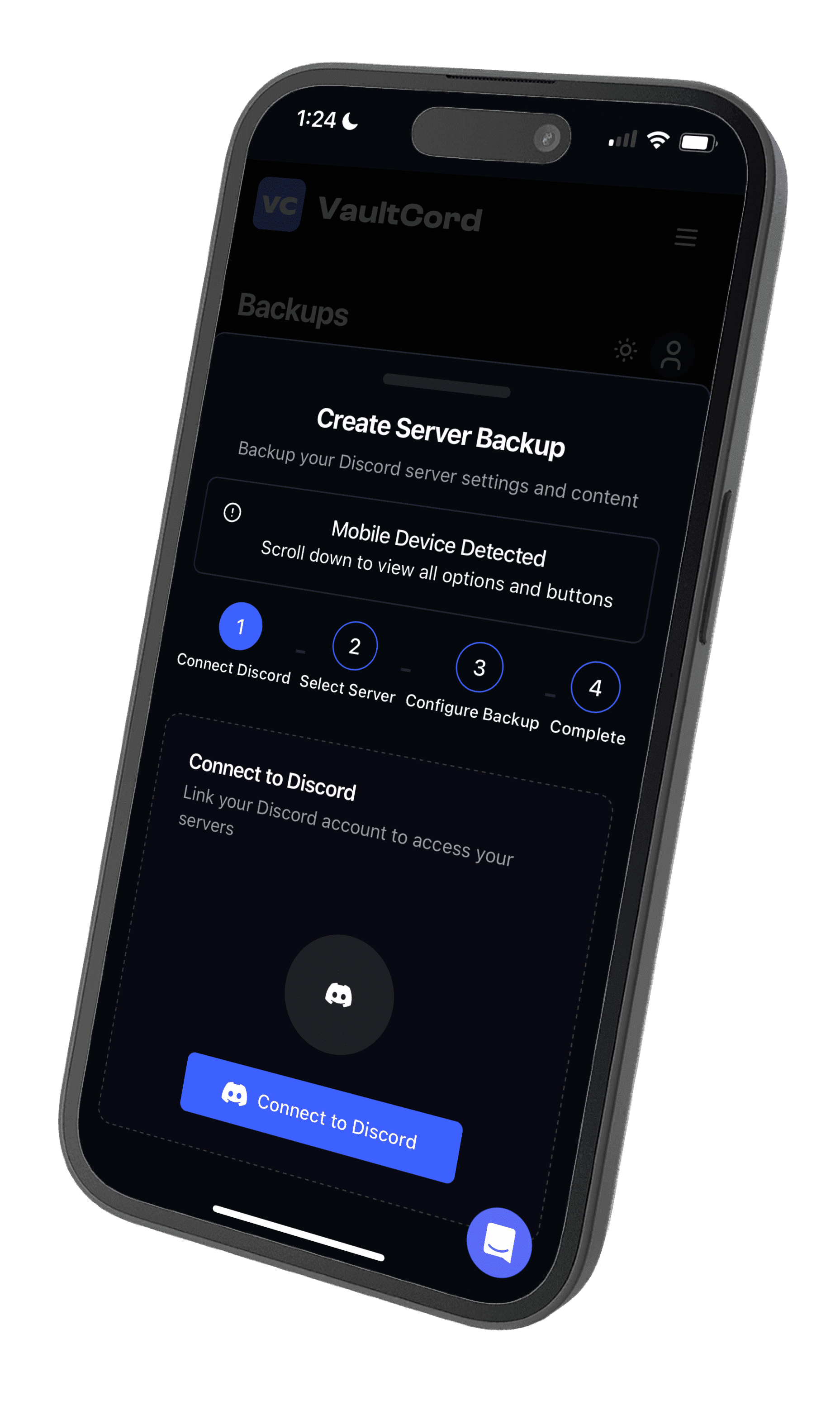
The VaultCord iPhone app on the Create Server Backup screen
Create Server Backup in the VaultCord iOS and Android apps.

Plans

PlanMonthlyBilled yearlyServersBotsPull cooldown
Free$0$01110h
Premium$4.97$2.33/mo, save 53%531h
Plus$9.97$3.83/mo, save 62%UnlimitedUnlimitedNone

Every plan pulls members at the same speed and keeps unlimited restorable members. Paid plans add messages, emojis, stickers, bans and member roles to backups. Plus adds automatic scheduled backups. Full pricing.

Questions

My Discord server got hacked. What do I do first?

Stop the damage before you rebuild. Remove the compromised account's admin roles (or have the owner do it), kick or remove any bot that is deleting things, secure the owner account (password change, then 2FA), and only then start restoring channels and roles.

Can I see who nuked my server?

Usually, yes. Server Settings, then Audit Log, shows who deleted channels, changed roles or banned people, and which bot did it. Discord keeps audit log entries for 45 days, so screenshot them before you report anything.

Can VaultCord restore a server that was nuked without a backup?

For channels and roles, yes. VaultCord offers instant server recovery for channels and roles even without a saved backup. A saved backup brings back more: channels, categories, roles, permissions and server settings, and on paid plans messages, emojis, stickers, bans and member role assignments.

What if the whole server was deleted?

Discord has no undo for a deleted server. Members who verified through VaultCord can be pulled into a replacement server, and VaultCord can auto-pull members into a replacement server if your server is deleted. Premium and Plus also email you when a server is deleted.

How fast do members come back?

VaultCord pulls one member every 0.98 seconds, on every plan, with unlimited restorable members on every plan, Free included.

How do I stop it happening again?

Give admin to as few people as possible, turn on the 2FA requirement for moderation, keep bots on the permissions they actually need, and keep a recent backup. Plus runs automatic scheduled backups, and backups are kept for life.

Back up now, before you need this blog

Free covers one server with unlimited restorable members.

Create a backup